One story, every telling
See how many outlets ran it.
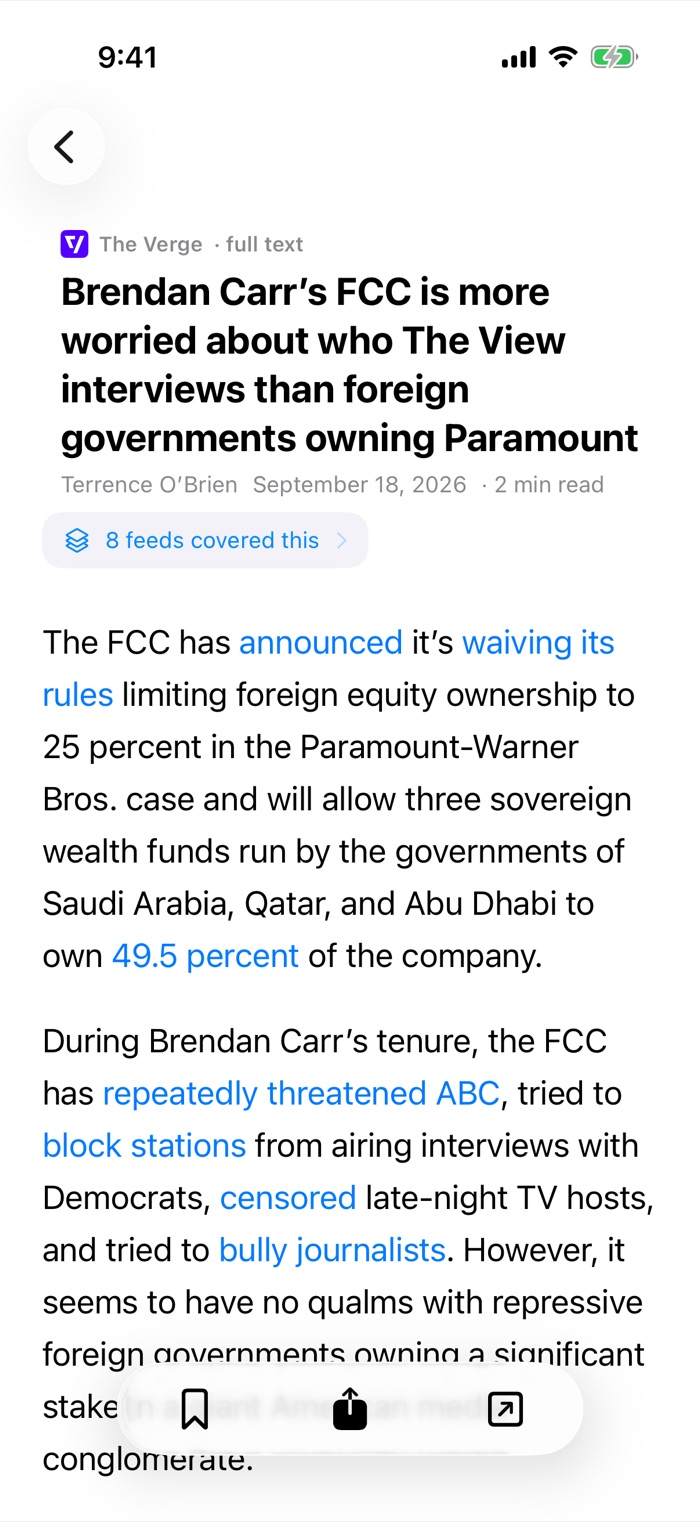

Blogs, news sites, newsletters, whatever you follow — all in one place. But most readers just list them by arrival, so a story ten outlets ran looks exactly like one a single blog posted. Ferry scores by how widely a story is covered, and reads you the ones that matter first.
Free during the beta · No account required · iPhone, iPad & Mac
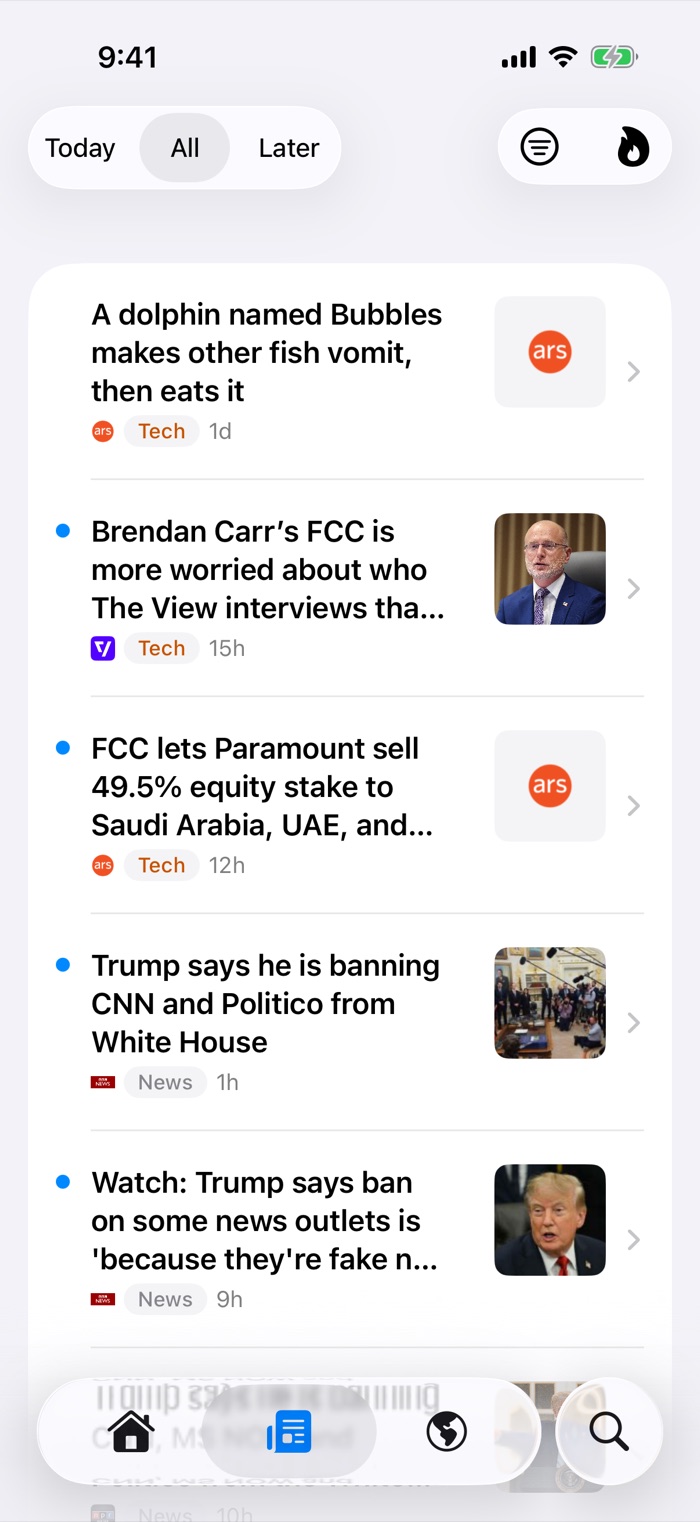
Every article you subscribe to gets a score for how widely its story is being covered. The piece four of your sources ran this morning sits above the one that merely arrived last — so a busy day of feeds still opens on something worth reading.
Prefer it the old way? Switch to newest-first whenever you like, and each folder remembers its own order. The score is simply a better default than the clock.
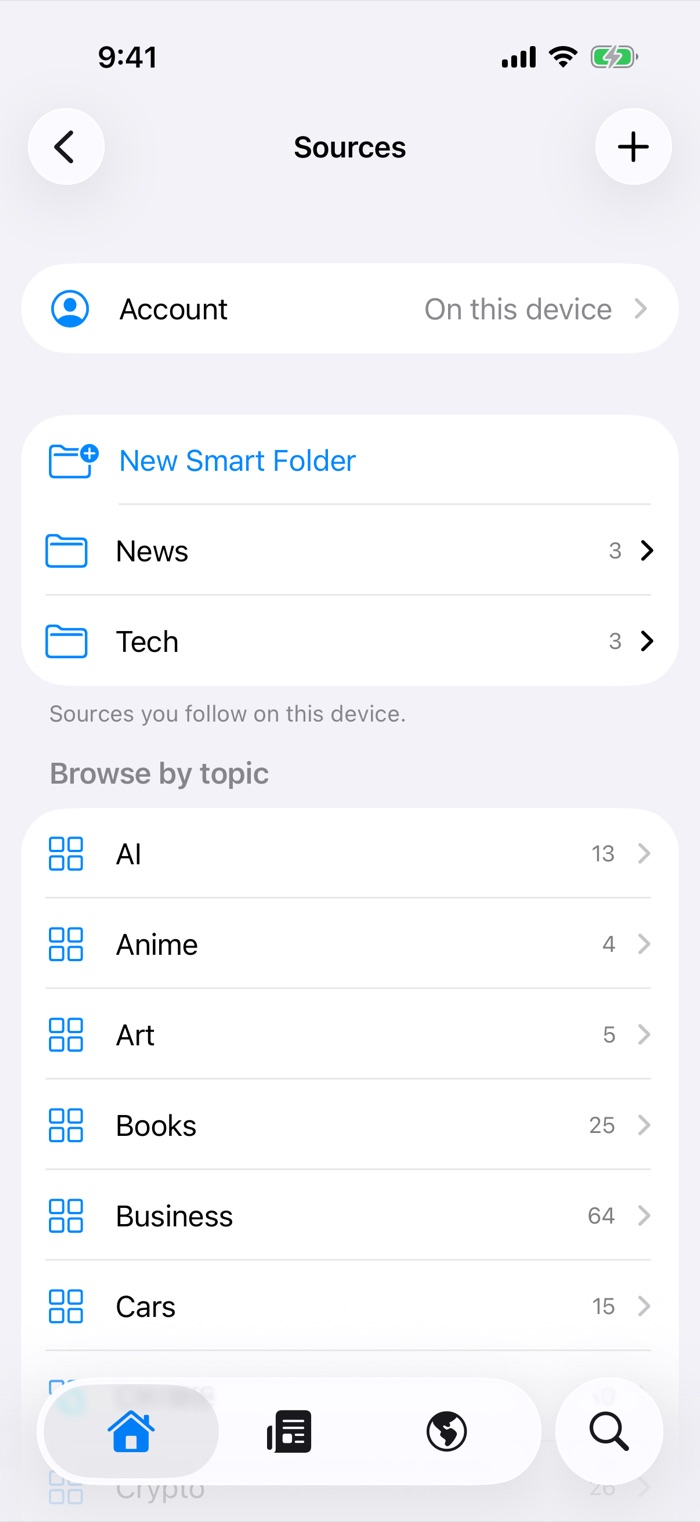
No account needed. Choose Read on this device, then add feeds by address — a feed URL, or just a site's name, and Ferry finds the feed itself.
Already using FreshRSS, Inoreader or BazQux? Sign in and your subscriptions and read state come with you. Or import an OPML file from whatever you are leaving.
Beyond your own subscriptions, Ferry watches a much wider set of sources and groups them the same way — so you can see a story ten outlets ran even if you follow none of them, with a count of how many are carrying it.
It is where new sources come from, too: follow anything you find, with a tap.

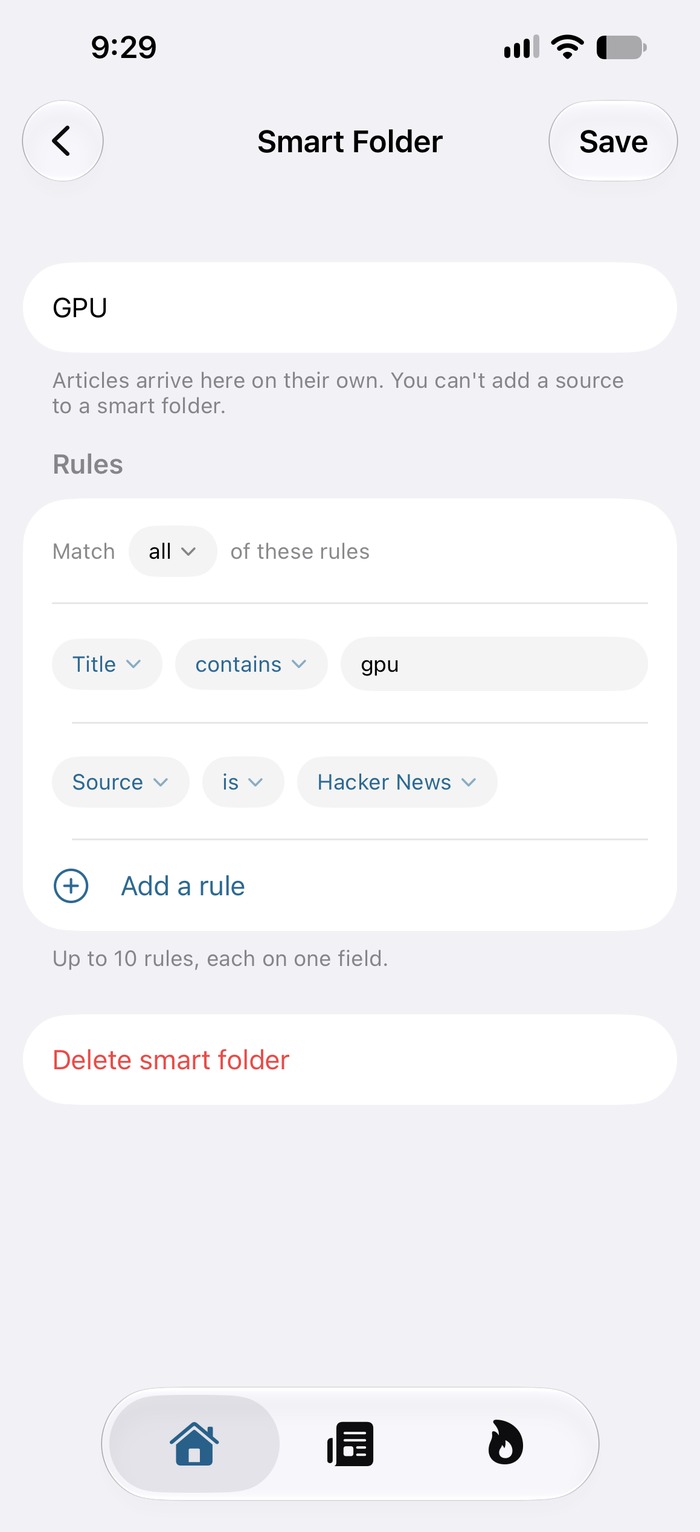
Say what belongs — a word in the headline or the body, a source, a topic, how recent — and anything matching arrives on its own. Nothing to file by hand.
Up to ten rules, matched all together or any of them. They sit alongside your ordinary folders, and sync to your other devices through iCloud.
Ferry never asks you to register and never generates a user or advertising identifier. The privacy isn't a policy bolted on afterwards — it's the shape of the thing.
Usage is reported as bare counts — how many articles were opened, never which. There is no field in the message where a person could be named.
No third-party analytics, no advertising networks, no cross-app or cross-site tracking of any kind.
Subscriptions and read state sync between your own devices through your private iCloud account. No Ferry server ever sees them.
On a bigger screen Ferry spreads out — and on the Mac into columns: sources, stories and the article you're reading, all at once.

Search across everything you have — headlines, bylines and the article text itself, not just the titles.
Save anything for when you have the time, in the order you added it, or by score.
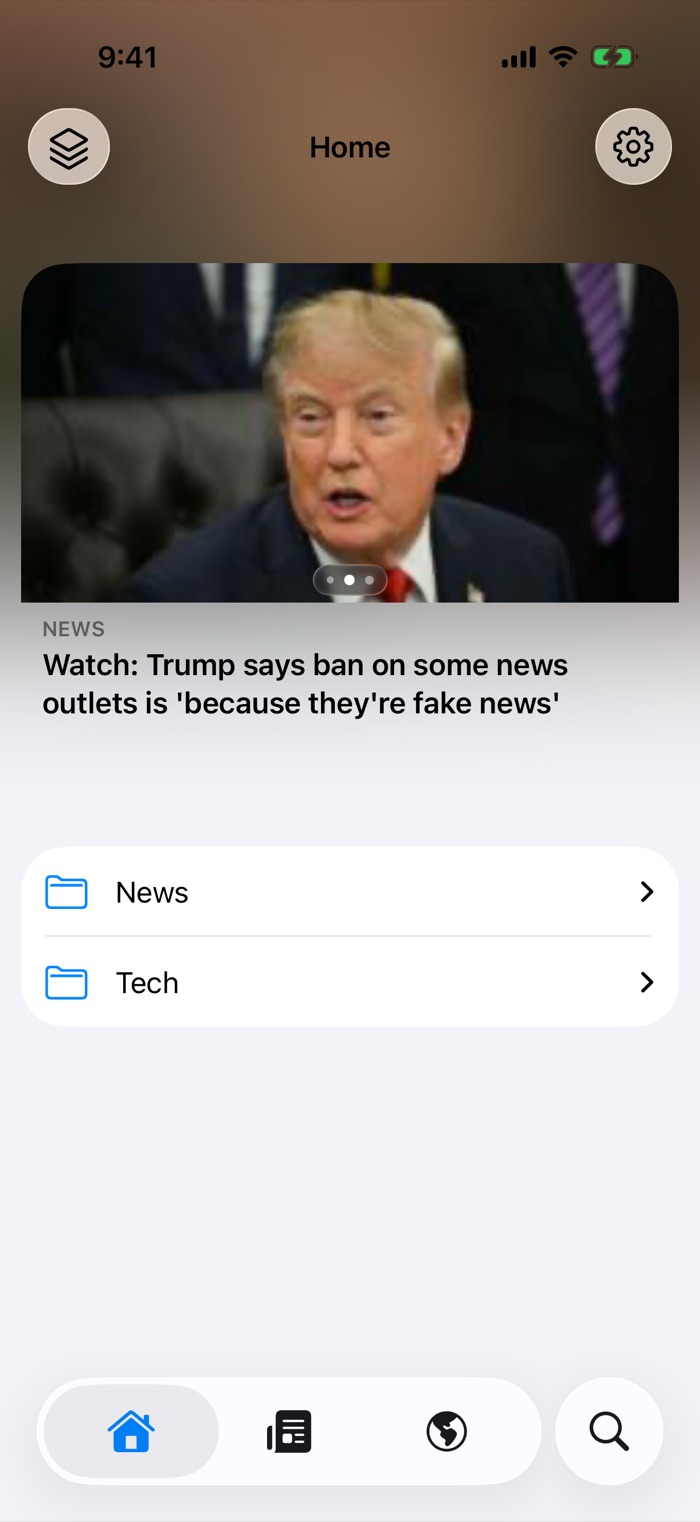
What's worth reading now, on your home screen, tappable straight into the article.
Bring your subscriptions from any reader, and take them with you again whenever you like.
File sources however you think about them. Each folder remembers its own sorting.
Subscriptions, read state and your Later queue, kept in step across your own devices.
No. Choose “Read on this device” and Ferry works entirely on your phone, fetching feeds itself. There's no sign-up, and nothing to cancel.
Yes. Ferry speaks the Google Reader API, so FreshRSS, Inoreader, BazQux and others sign in and bring your subscriptions and read state with them.
How popular a story is out in the world: how widely it is being covered across the web, and how much attention it is drawing. It is not based on anything about you — Ferry has no profile of you to rank against.
Almost nothing, by construction. There's no account and no device identifier. Usage is reported as bare counts — how many articles were opened, never which. The privacy policy spells out exactly what is and isn't sent.
Not today. Ferry is built for iPhone, iPad and Mac.
Ferry is in beta on TestFlight now, ahead of its App Store release. Free to join, and your feedback shapes what ships.